 WAIvePulse
GitHub
WAIvePulse
GitHub
WAIvePulse
GitHub
WAIvePulse
GitHub
Write it. Generate it. Mix it. Loop it. Perform it. One app, five tools, free and offline — every note stays on your machine.
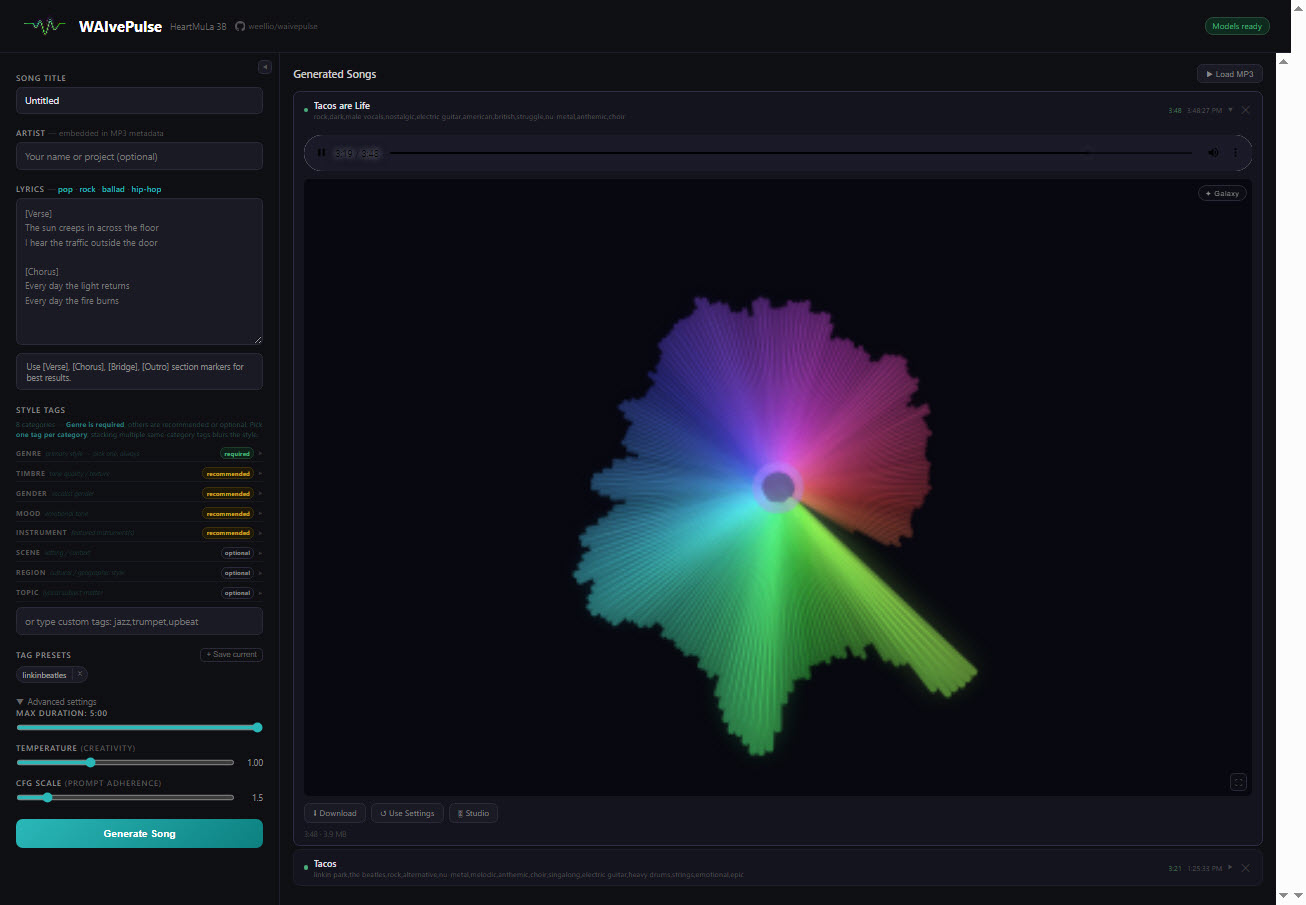
Paste your words, pick a few style tags, and a 3-billion-parameter model writes, sings, and produces a complete track as an MP3 — vocals and all. Jobs queue up; BPM and key are detected automatically.
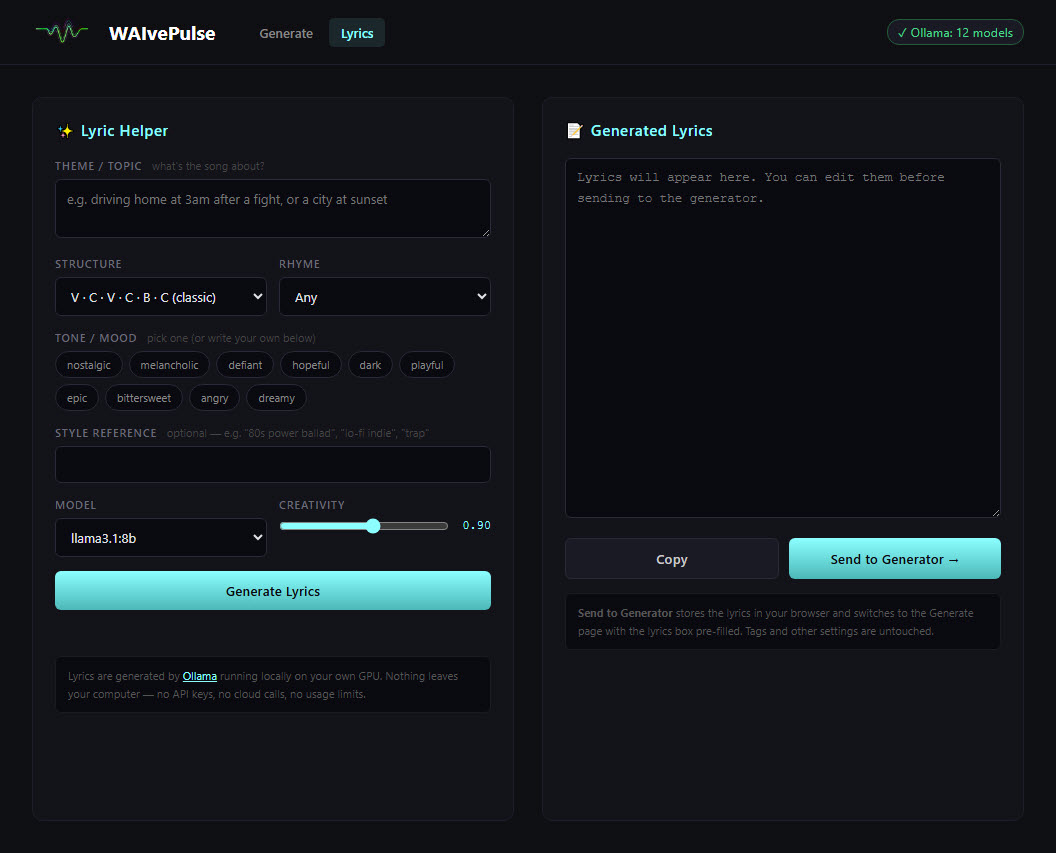
Stuck on a line? A local Llama model streams lyrics word-by-word, pre-formatted with the verse and chorus markers the generator expects. Then polish them: a syllable gutter flags lines that break the flow, rhyme schemes are colour-coded, and a built-in rhyme finder works fully offline.
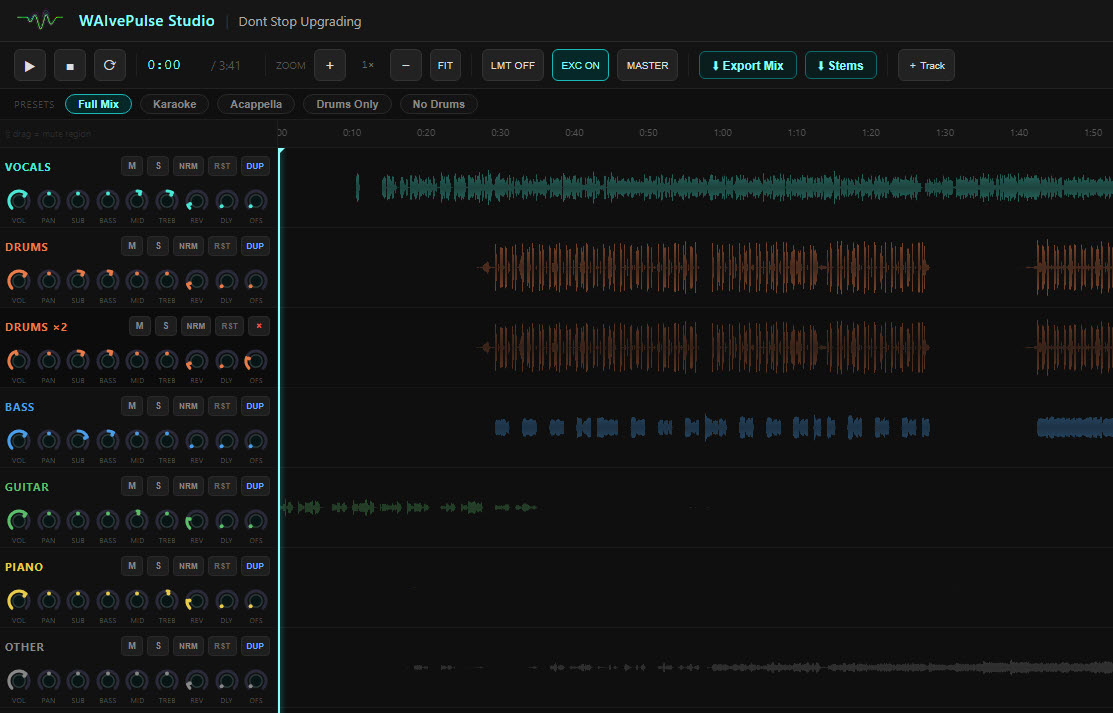
Every song splits into six stems on your GPU — vocals, drums, bass, guitar, piano, other. Mix them with per-track EQ, volume and pan automation, a master chain, and a rack of creative effects. Match your master to any reference song, then export at YouTube loudness as WAV or MP3.
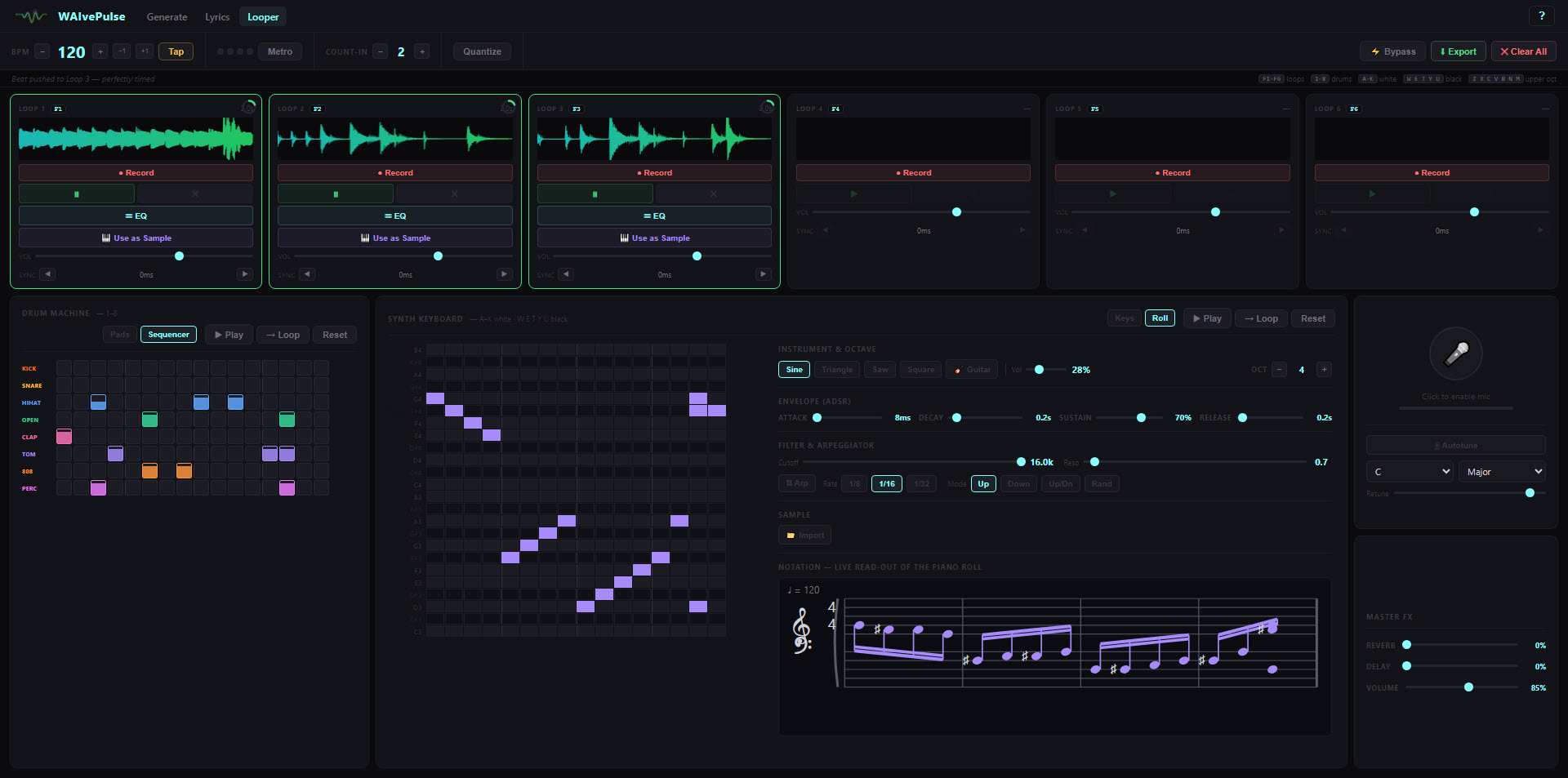
A full loop station: synthesized drums with a 16-step sequencer, a two-octave synth, a polyphonic piano roll, a plucked-guitar voice, a sampler, and a mic with autotune — stacked into six loops. Every note can be played by up to seven slightly detuned voices spread across the stereo field, so a part sounds like a section rather than a keyboard. Draw a dynamics curve under the roll and held notes get brighter as well as louder when they swell, then place each loop near or far in a real room.
Whisper transcribes your vocals and aligns them to your original words. A fullscreen visualizer rolls the lyrics over your tuned mix — record it straight to video, and export YouTube-ready captions to go with it.

The details that make it feel like a real studio, not a toy.
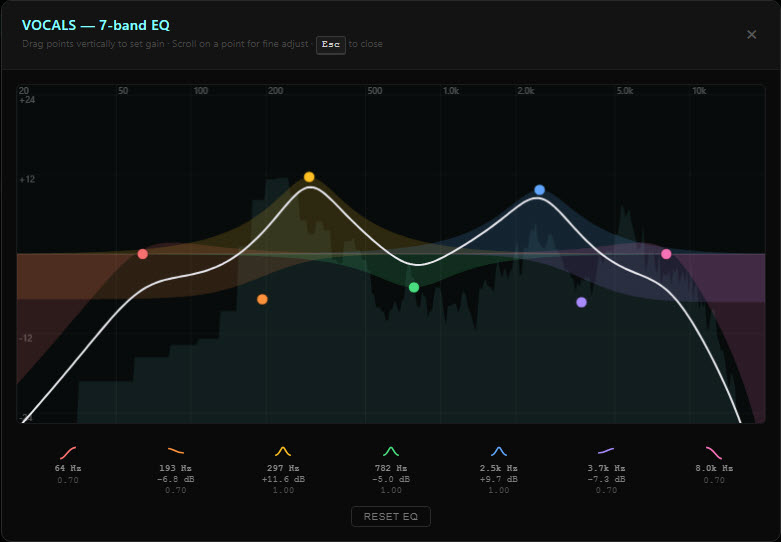
A FabFilter-style parametric EQ on every track and every loop — live spectrum, draggable curve, per-band fills, ±24 dB.
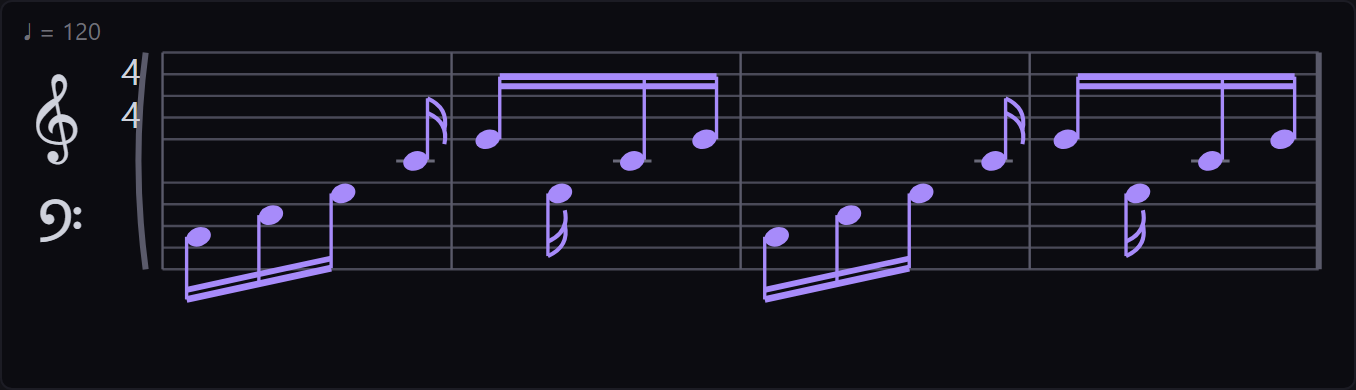
The piano roll writes itself out on a grand staff — real note durations, beams, clefs — and updates as you place notes.
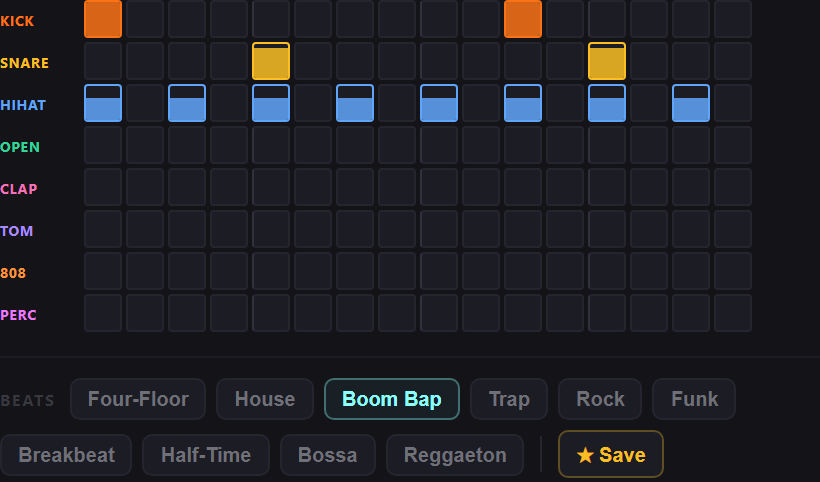
Ten genre presets fill the step sequencer instantly. Tweak them, or save your own grooves as favorites.
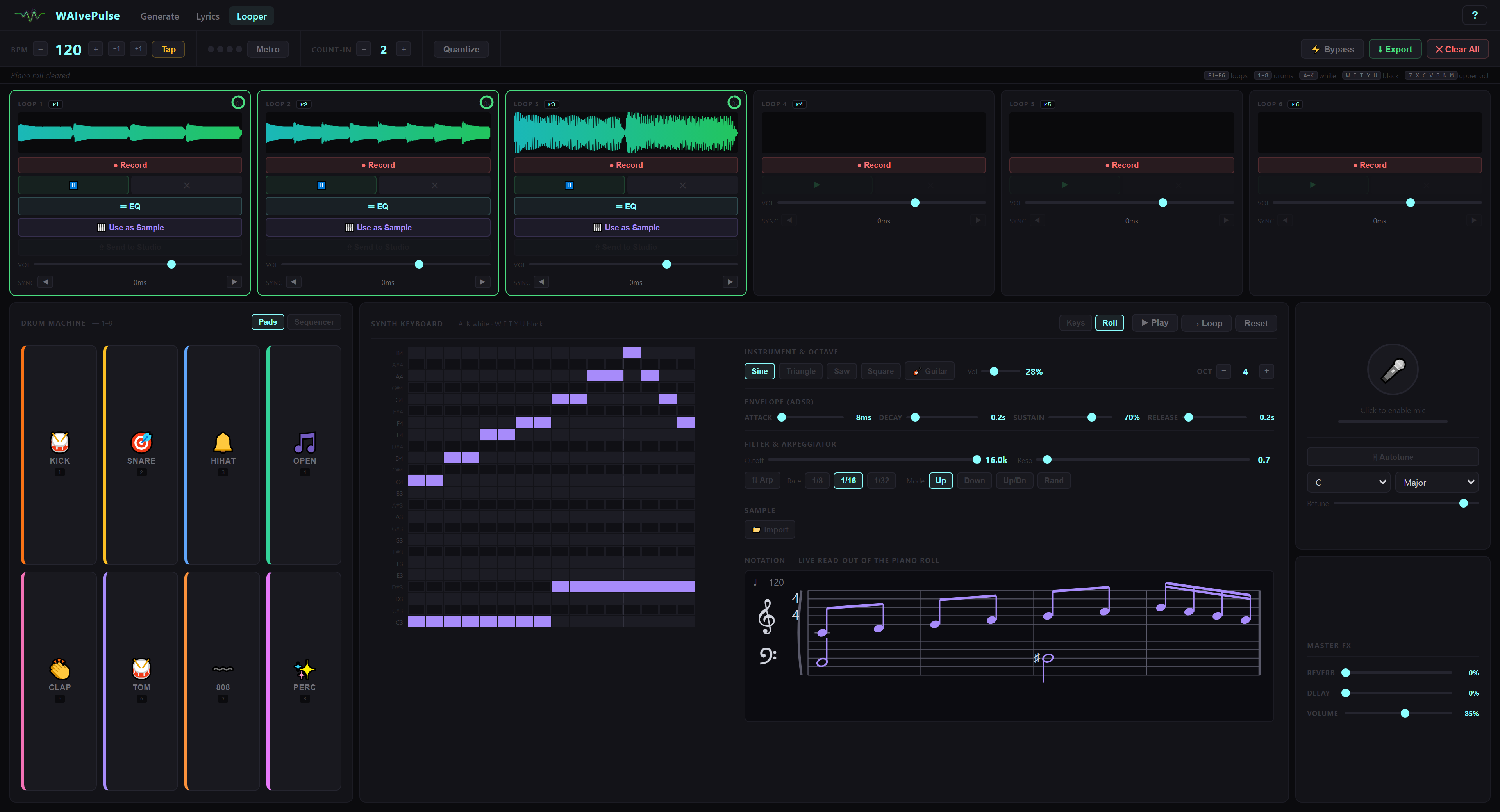
Stack drums, synths and chord progressions into six loops — then send any of them straight to the Studio.
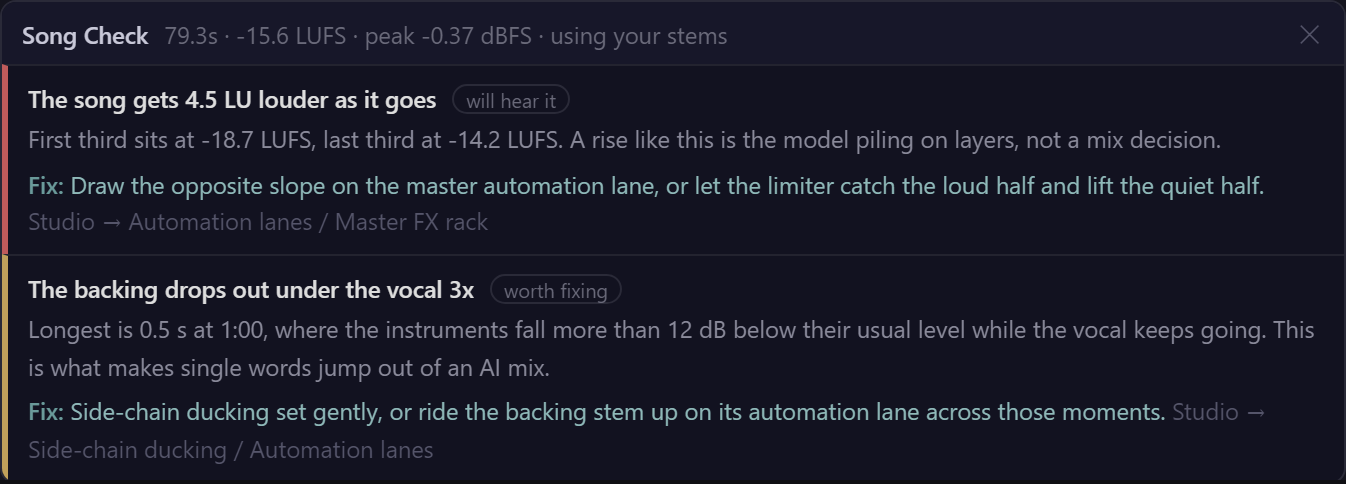
One click reads the render for loudness creeping up, peaks over the ceiling, dead air, tempo drift and backing dropping out under the vocal — and names the control that fixes each one.
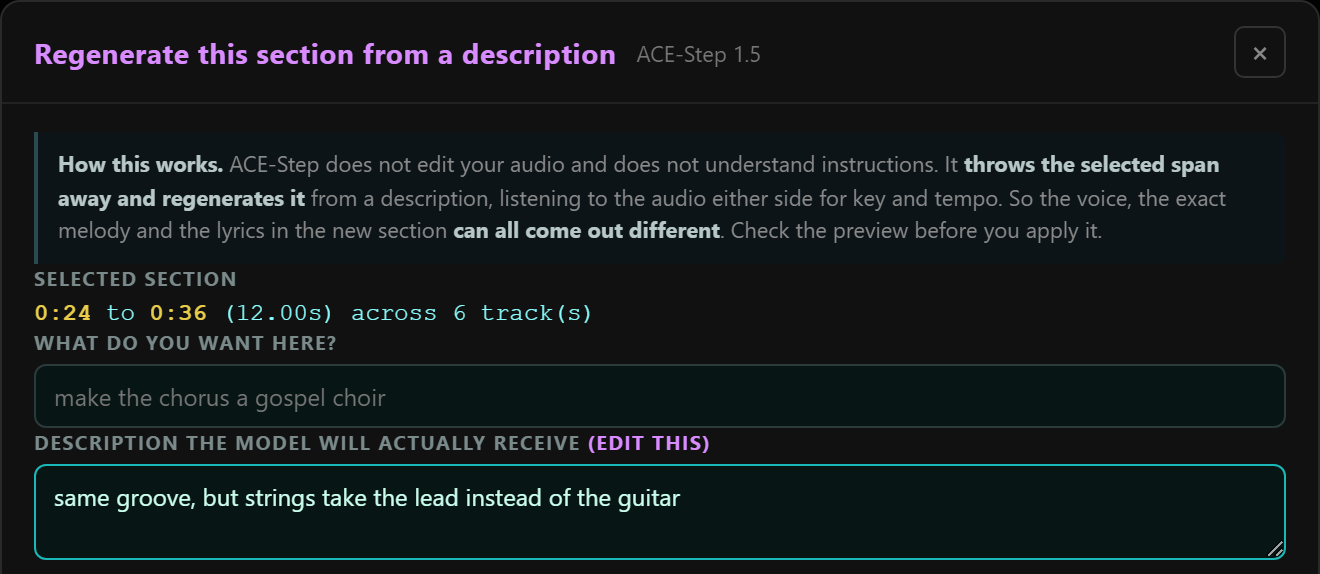
Select a span of a finished song, say what you want there instead, and a second AI engine redraws just that part. It shows you the description it will actually send, and you can edit it before anything runs.
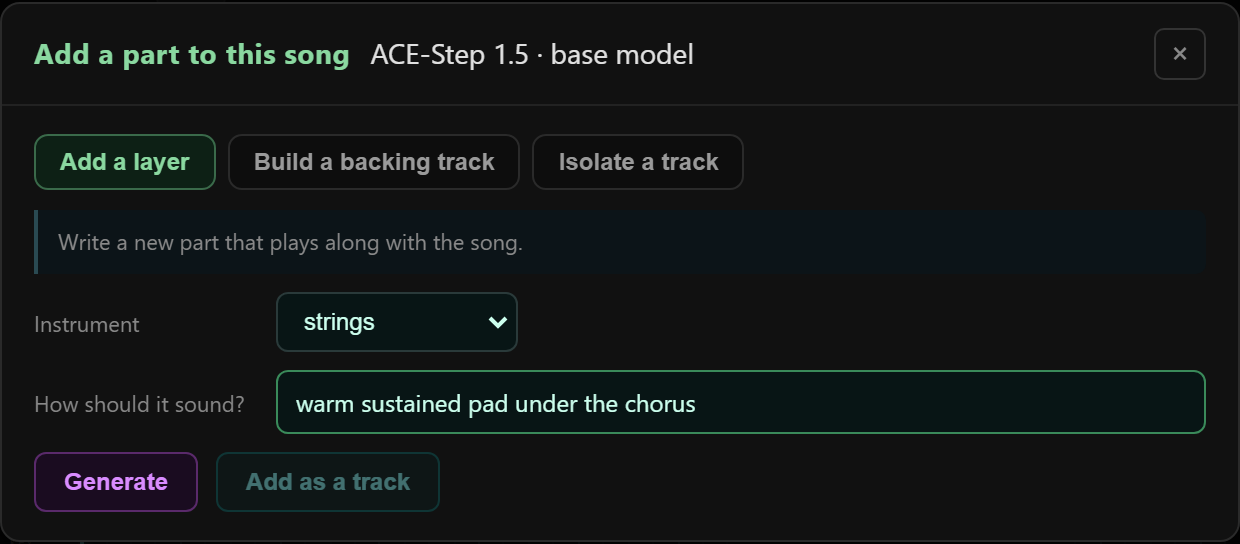
Write a new instrument into a finished song, put a band behind a bare vocal, or pull one instrument back out. Twelve instruments, including strings, brass and woodwinds.
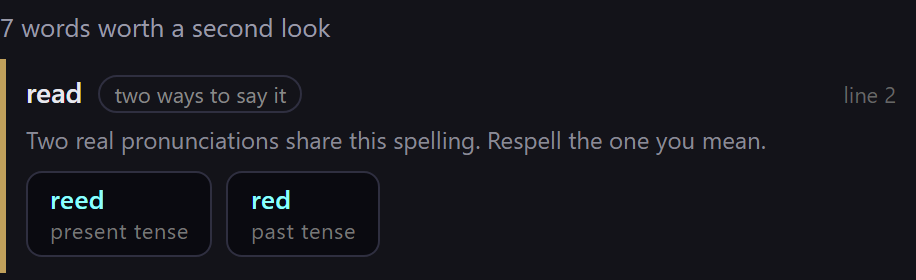
Finds the words a singer gets wrong — read, bass, 1999, names it has never seen — and writes the respelling. Click one to swap it into your lyrics.
A one-time install in exchange for permanent freedom from the cloud.
| WAIvePulse | Cloud generators | Pro DAWs | |
|---|---|---|---|
| Runs offline | ✓ | — | ✓ |
| Open source | ✓ | — | — |
| Songs from lyrics | ✓ | ✓ | — |
| Browser stem mixer | ✓ | — | — |
| Built-in loop station | ✓ | — | add-on |
| Lyric-video output | ✓ | — | — |
| YouTube-loudness export | ✓ | — | add-on |
| Reference-track mastering | ✓ | — | add-on |
| Finds the flaws in a render for you | ✓ | — | add-on |
| Writes a new instrument into your song | ✓ | — | — |
| Trains on your own songs, locally | ✓ | paid | — |
| Rewrite one section of a finished song | ✓ | paid | — |
| Webcam instrument | ✓ | — | — |
| Pronunciation respelling for lyrics | ✓ | — | — |
| MIDI keyboard input | ✓ | — | ✓ |
| Ensemble + expression synth | ✓ | — | add-on |
| Album art for every song | ✓ | — | — |
| Subscription | None | Monthly | Monthly |
| Usage caps | None | Credits | None |
Almost everything is free. One thing isn’t, and it is easy to tell apart.
A commercial licence covers it. Indicative: $149/yr for a one-person studio, $499/yr for a team or an embedded product. Say what you are building and I will tell you honestly whether you even need one.
Ask about a licenceFree and open source. Windows or Linux, an NVIDIA GPU with ~12 GB, and you’re running your own studio in minutes.